
AdsGram Analytics
After the campaign passes moderation, you can view its performance data in campaign analytics. All statistics in the interface are displayed in UTC (+0) time zone.
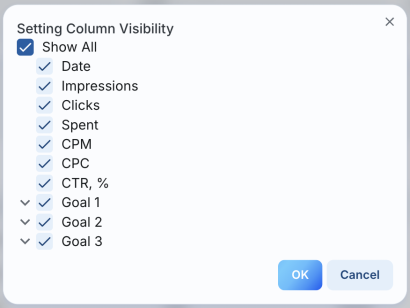
Click the gear icon to customize the visibility of metric columns.
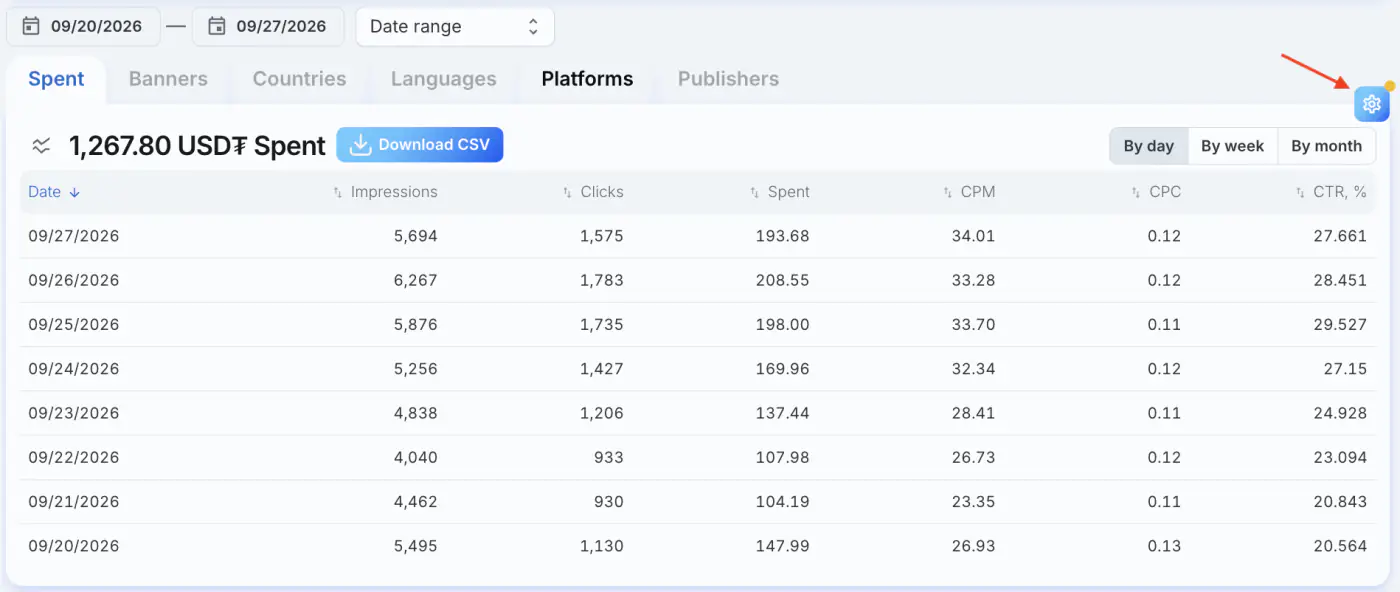
Click the Show All checkbox to display all metrics.
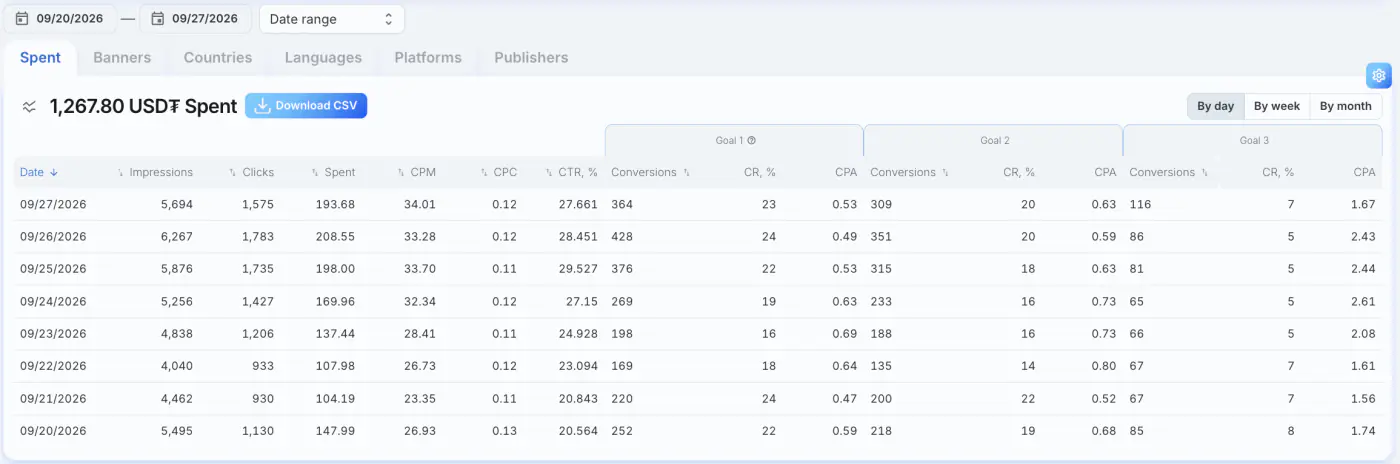
Some statistical parameters may take up to an hour to become available. For more details on parameter values, refer to the glossary.
Available breakdowns in analytics include:
- time (days/weeks/months)
- banner
- country
- Telegram interface language
- platform (user device type: Android, iOS, Desktop)
- publishers (unique publisher platform identifier)
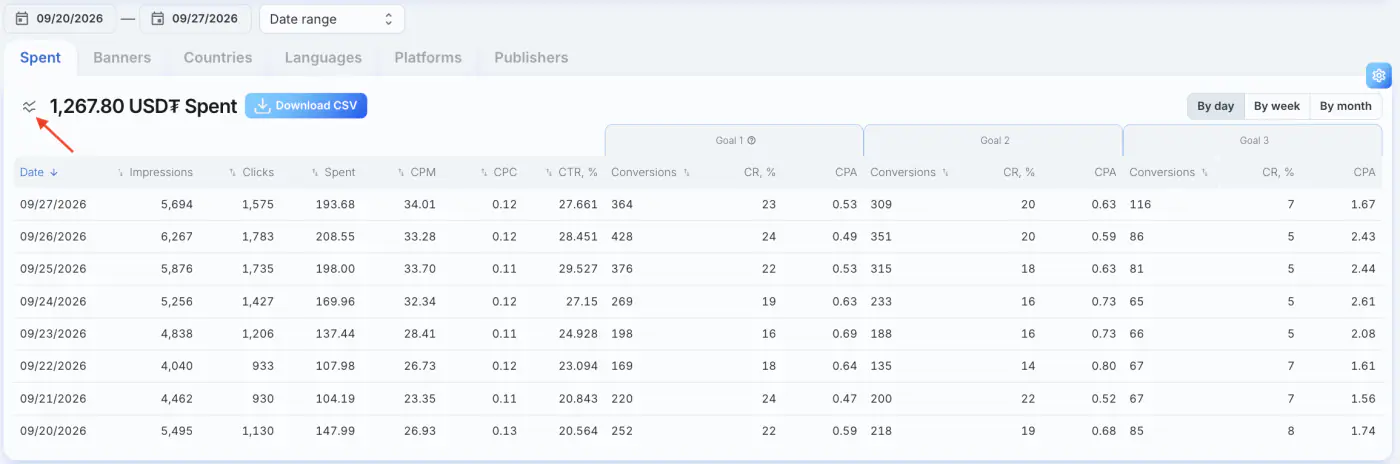
When you click the  in the top left corner, the statistics will be displayed as a chart.
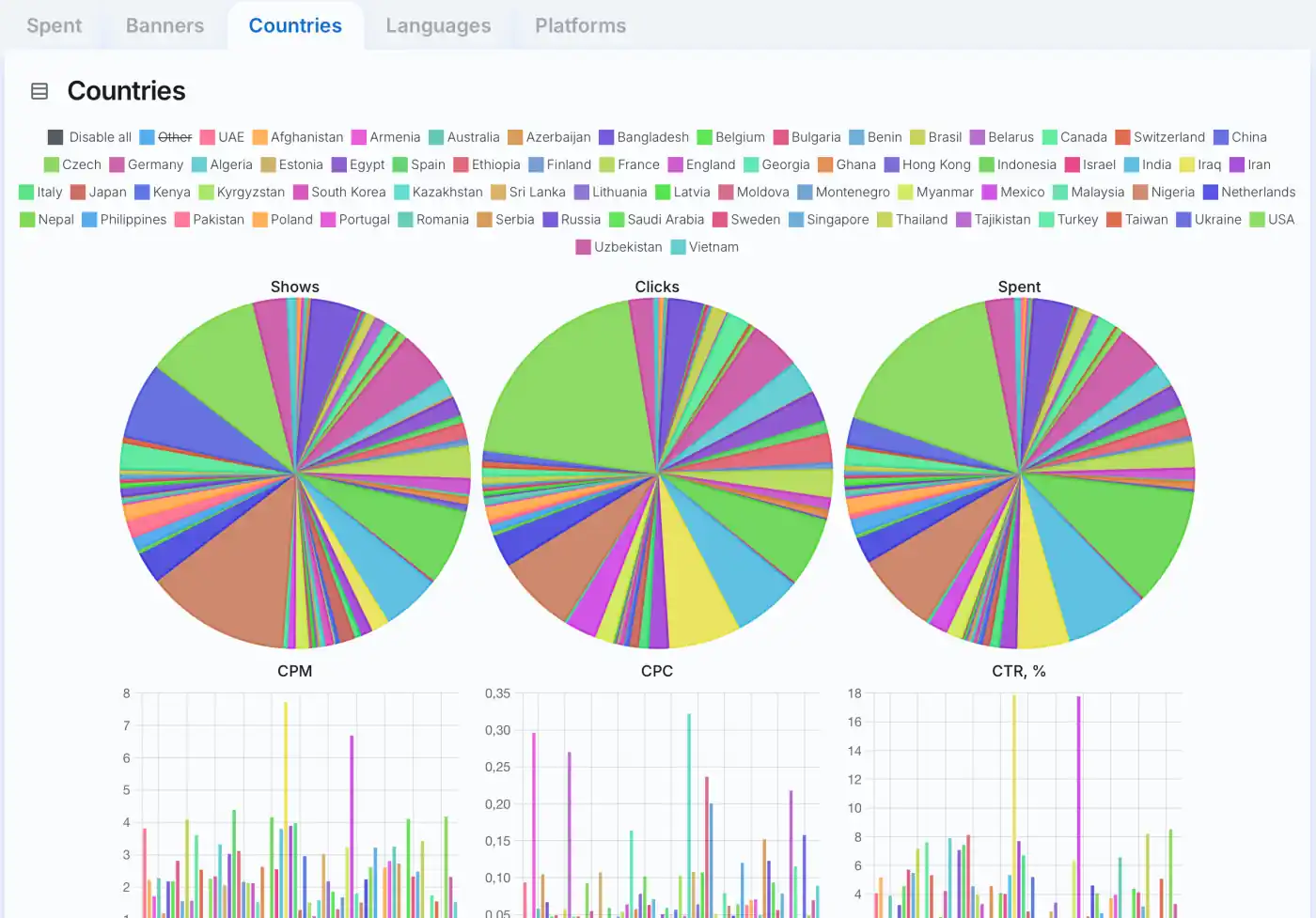
Platform Breakdown
The AdsGram cabinet allows you to analyze the performance of ads placed with a specific publisher.
Clicking a column header sorts the data descending; double-click sorts — scending. A blue header indicates an active filter.
Based on this analysis, you can exclude ad placements on specific platforms when buying ads in Telegram Mini-apps and bots, by using the unique platform IDs.
IMPORTANT
Traffic sources are displayed only as the publisher platform’s unique identifier — without specifying its name or other identifying information.
Conversion Analytics
If conversion tracking is configured, AdsGram receives conversion data and displays it in the corresponding goals: Goal 1, Goal 2, Goal 3.
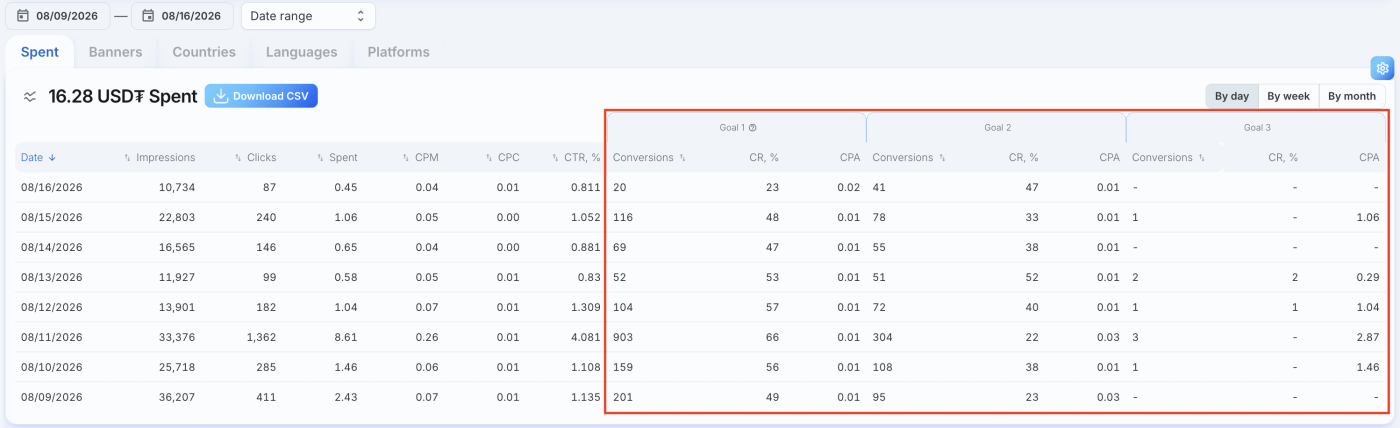
The goal to which conversions are assigned is configured by the advertiser, except when a specific goal is set by default for the selected tracking method:
- When using AppsFlyer for mobile app conversion tracking, app installs are assigned to Goal 1.
- When using Telegram channel subscriber tracking, Telegram channel subscribers are assigned to Goal 1.
- When using Adjust, app installs are assigned to Goal 2 by default.
- In Telegram Ads campaigns, the following conversions are assigned to Goal 1:
- For Channel - joining the channel
- For Bot - launching the bot
- For TMA - launching the TMA
For more information about setting up conversion tracking, see API for conversion confirmation.